Find the moments.
Make the Shorts.
Turn any YouTube video into engaging Shorts. ShortsFinder finds the best moments, creates short-form videos, and gets them ready to share.
One long video. Multiple Shorts.
ShortsFinder analyzes your video and finds the moments worth watching. Then it turns them into ready-to-edit vertical Shorts.
From long video
to Shorts in seconds.
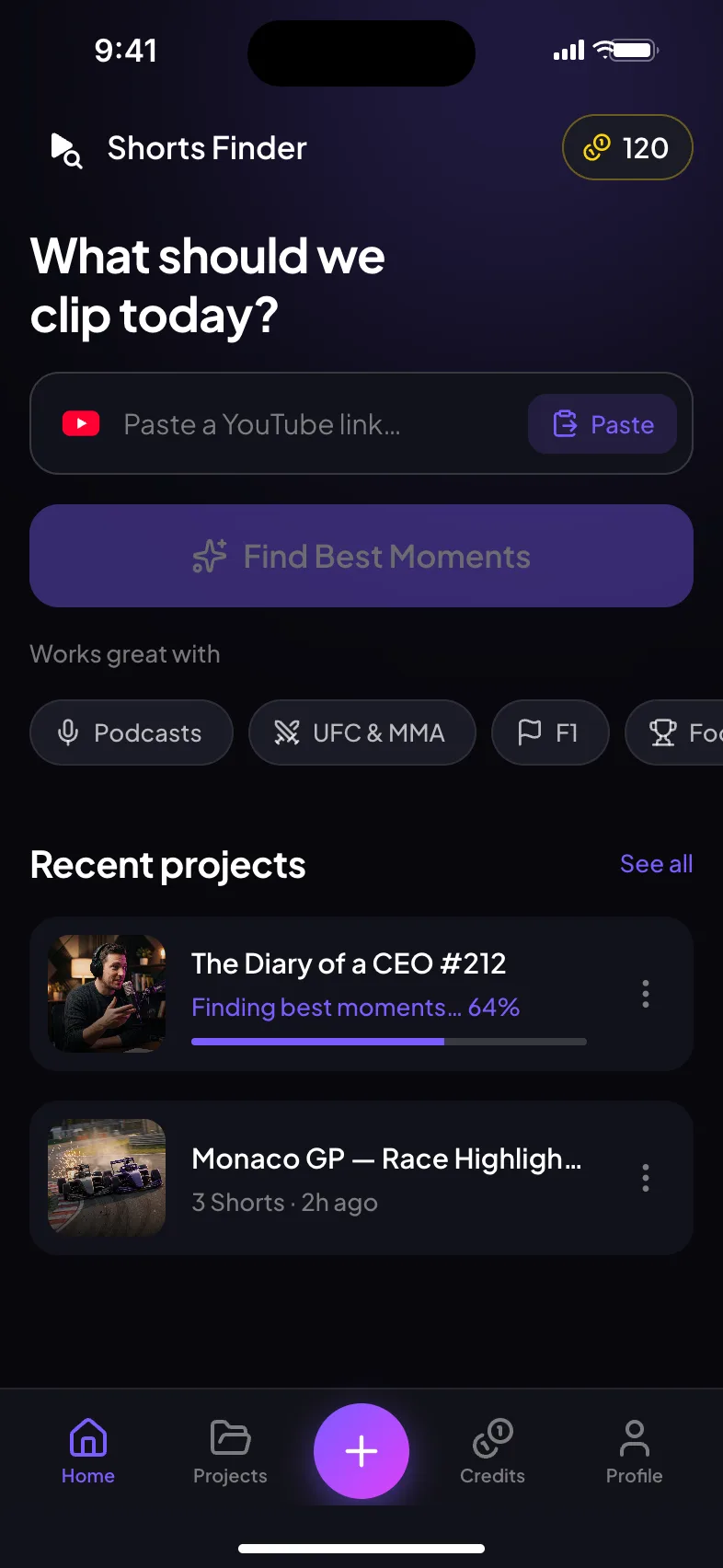
Paste a YouTube link
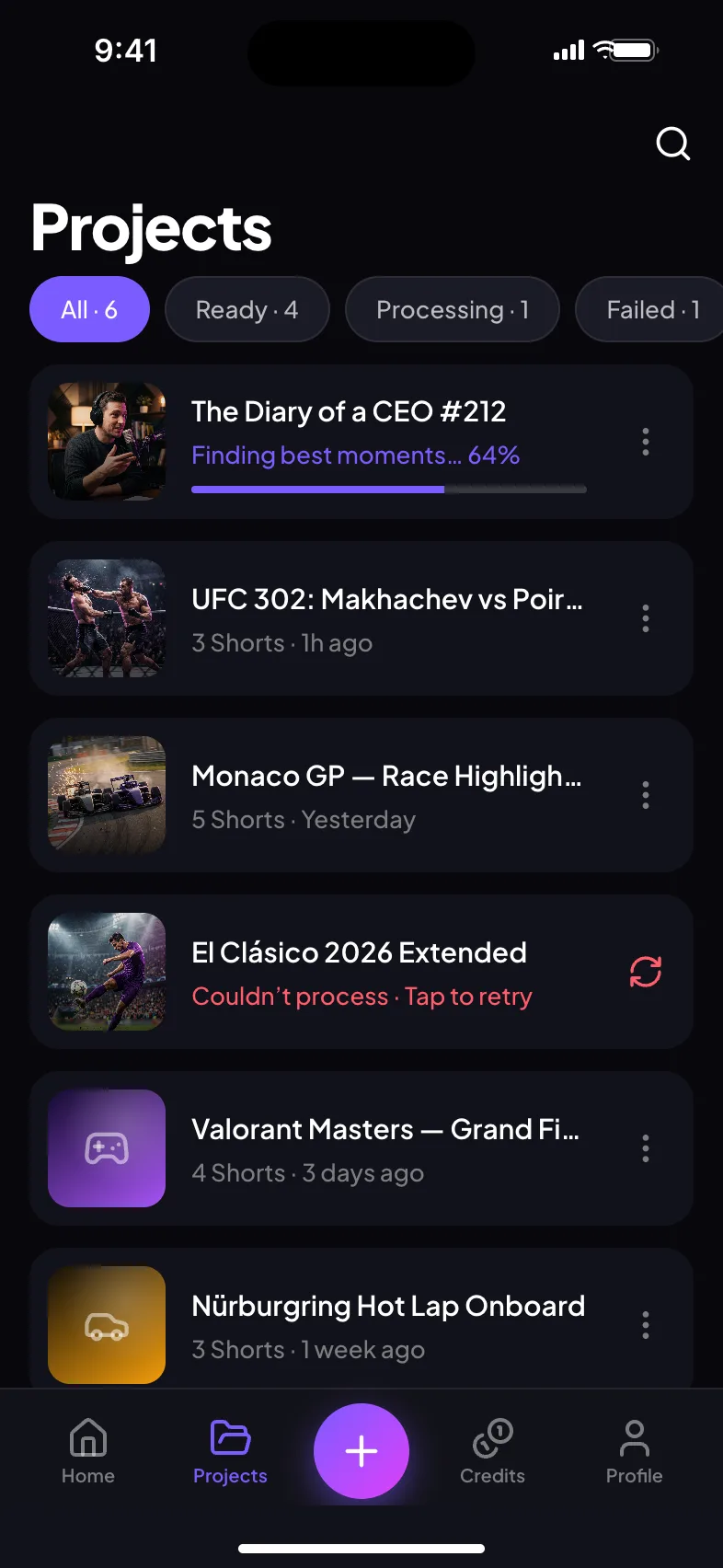
Add the video you want to turn into Shorts.
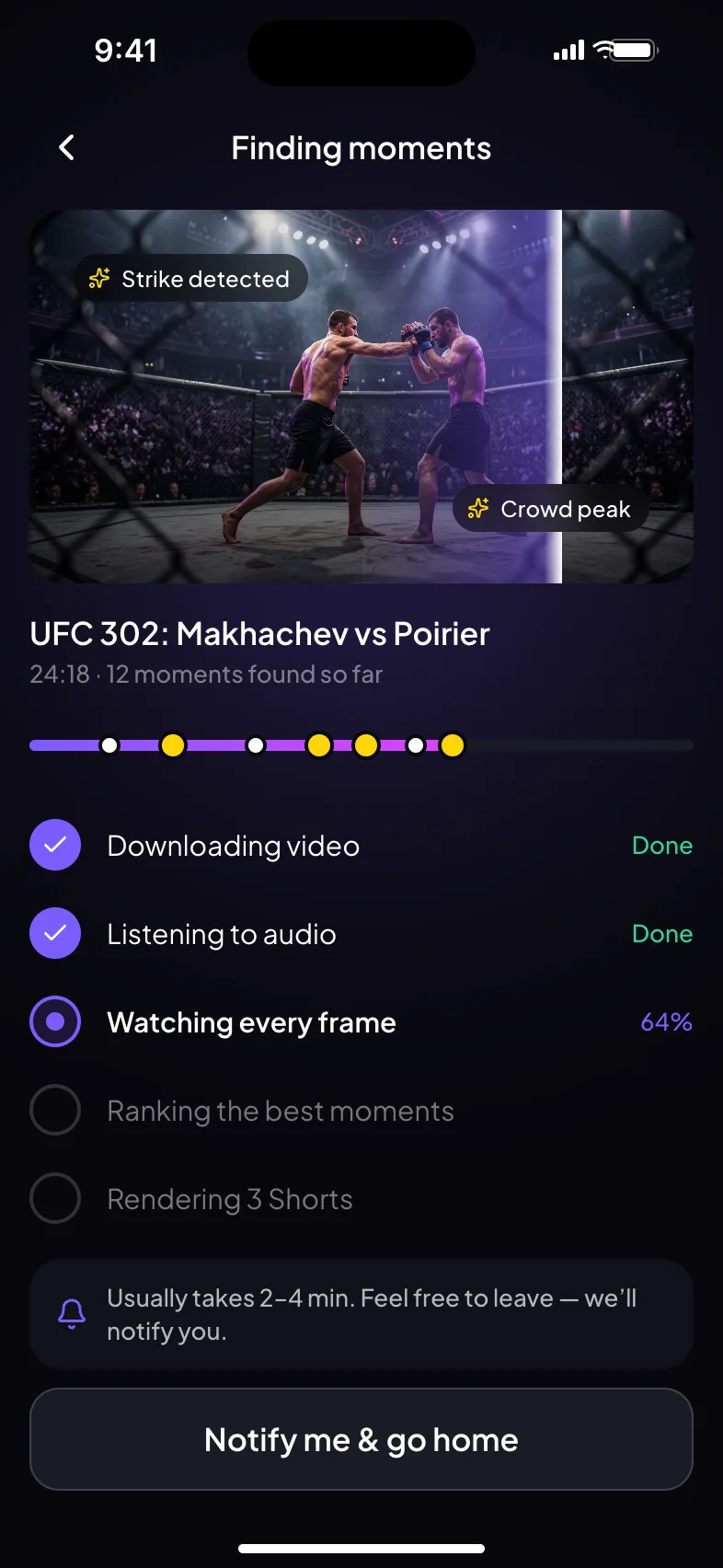
AI finds the best moments
ShortsFinder analyzes the content and identifies the strongest moments.
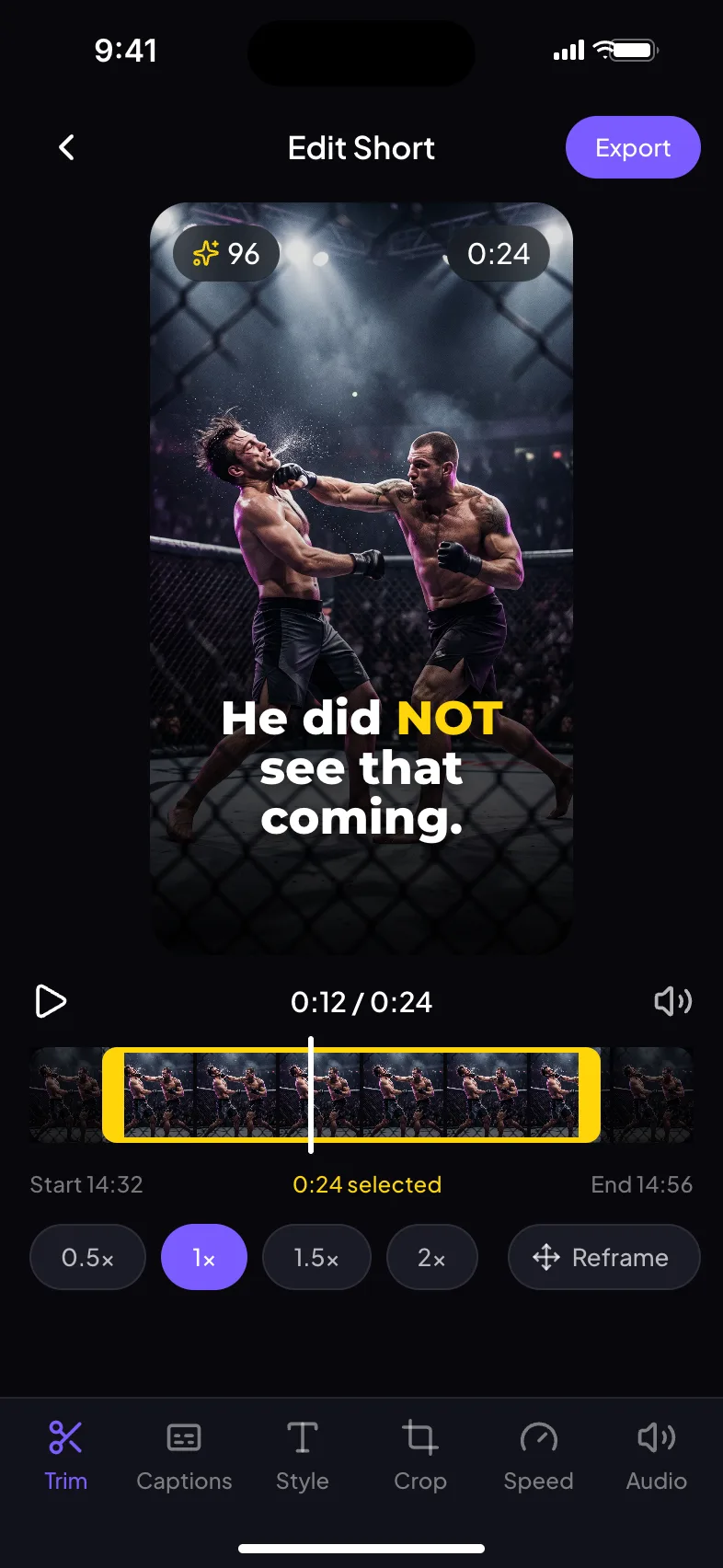
Edit your Shorts
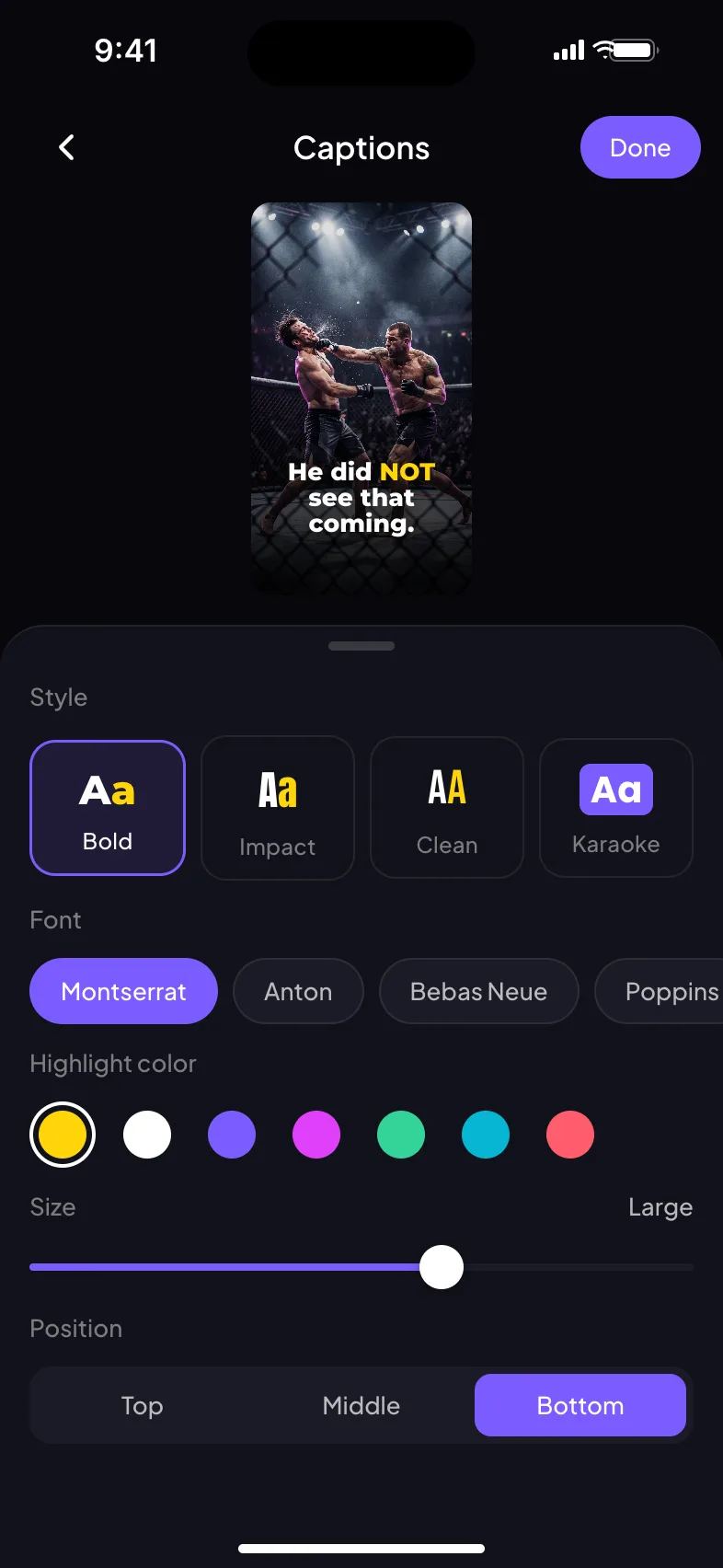
Adjust captions, style, crop, timing and more.
Download & share
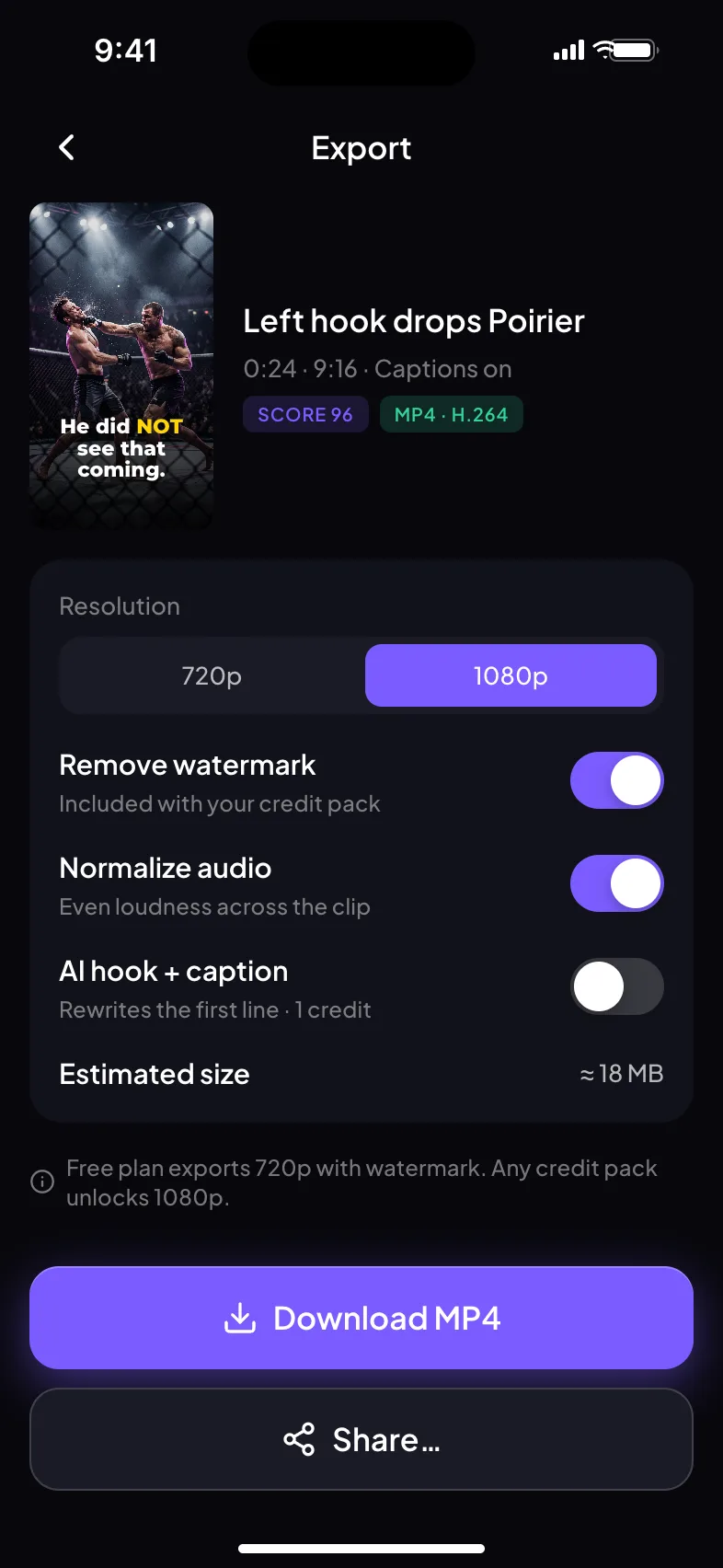
Export the finished Short and share it wherever you want.
You don’t have to
find the moment.
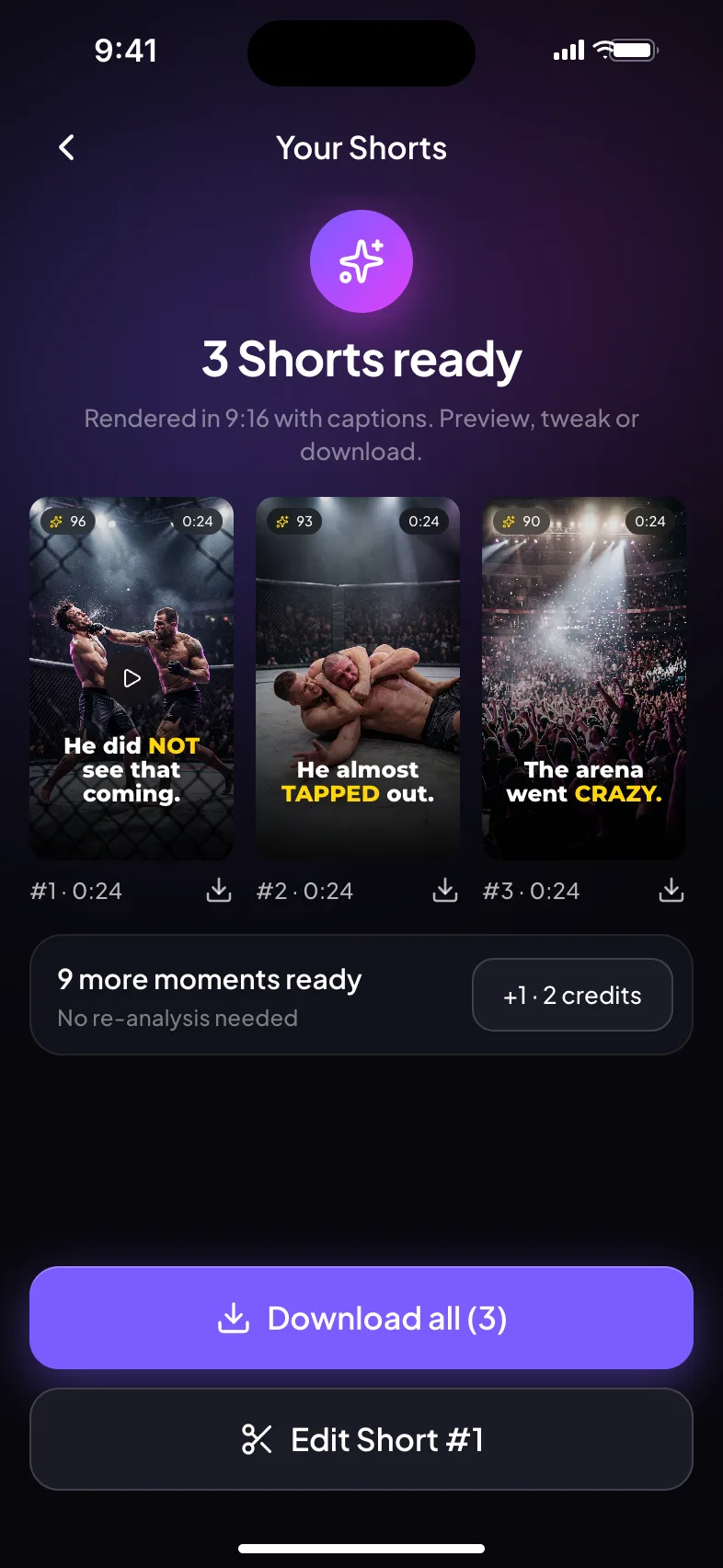
ShortsFinder does it for you. Our AI scores every scene for engagement potential — then hands you the best ones, ranked.
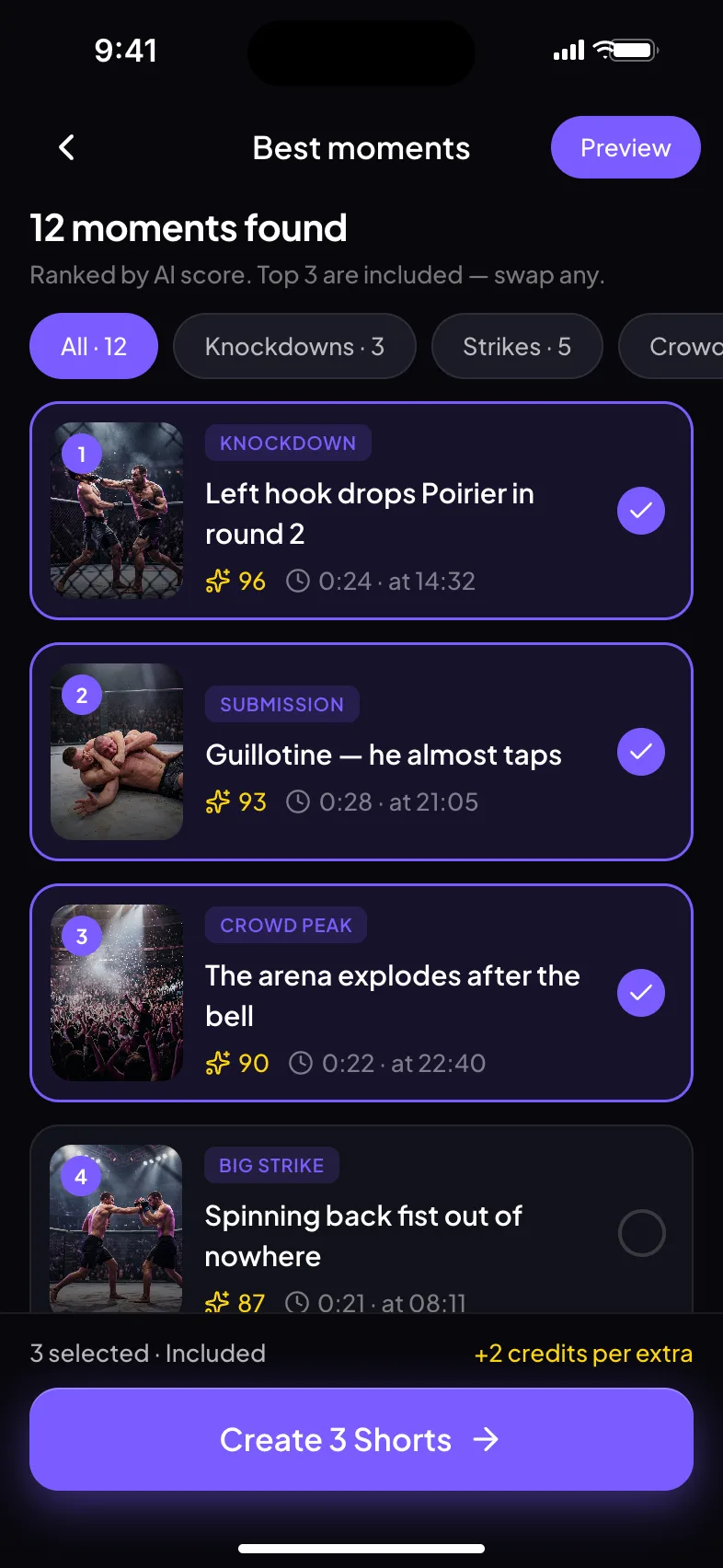
Not every great moment
needs words.
ShortsFinder understands what happens in a video, not just what is being said.
Podcasts
Interviews
Sports
Racing
Gaming
Reactions
Events
Educational
Captions that keep
people watching.
Generated automatically, styled for short-form. Pick a look in one tap.
Make it yours.
Fine-tune every Short before exporting — no timeline, no learning curve.
One video. Three Shorts.
Main Event · Full Fight · 25:00
Everything you need
to make Shorts.
AI Moment Detection
Find the moments worth clipping.
Auto Captions
Generate clean captions automatically.
Smart Reframing
Turn horizontal videos into vertical Shorts.
Multiple Styles
Choose the look that fits your content.
Fast Export
Create downloadable videos quickly.
Simple Editing
Make final adjustments without a complicated editor.
Meet ShortsFinder.
Turn your videos
into Shorts.
Download ShortsFinder and start finding your best moments.
Questions, answered.
What is ShortsFinder?
ShortsFinder uses AI to find strong moments in long videos and turn them into short-form content.
Does it work with YouTube videos?
Yes. Paste a supported YouTube video link into the app and ShortsFinder takes it from there.
Can I edit the generated Shorts?
Yes. ShortsFinder includes lightweight editing tools for captions, styling, crop, timing and audio.
Can I download the videos?
Yes. Finished Shorts can be exported as video files.
Does ShortsFinder automatically post my videos?
Not yet. The first version focuses on creating and exporting Shorts — you share them from your phone. Social publishing can come later.
What kinds of videos work best?
Podcasts and interviews, but also videos where the best moment has no words: UFC and MMA fights, F1 races, football matches, gaming, concerts and events. The AI watches the picture as well as the speech.
Can I use videos from my phone?
Yes. Besides YouTube links, you can pick a long video from your gallery and ShortsFinder finds its best moments the same way.
How much does ShortsFinder cost?
The app is free to download and uses credits. Each analysis is priced by video length and includes 3 Shorts of your choice; extra Shorts cost a few more credits. No subscription, and credits for a failed analysis are refunded.
Is ShortsFinder available on iPhone?
ShortsFinder launches on Android first through Google Play. An iPhone version is planned.